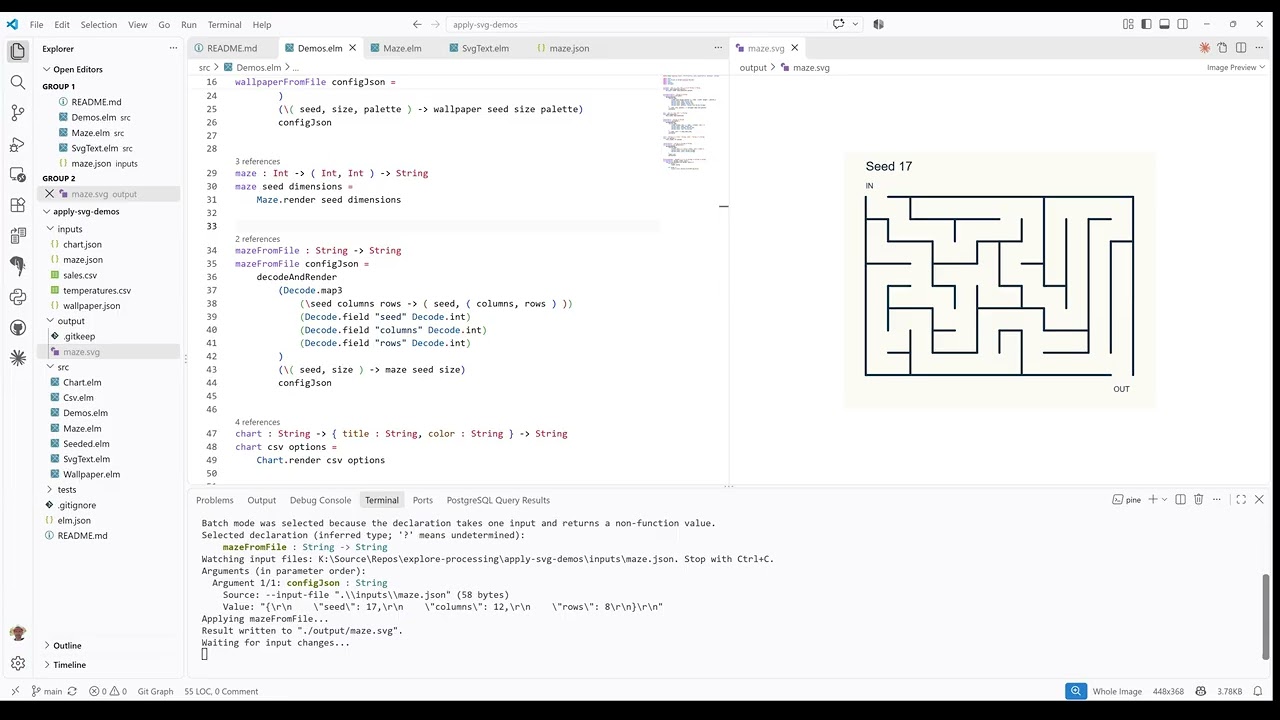
I toyed around with a command line interface to run Elm functions directly, including support for files as inputs and outputs.
Following is the current state of the interface:
- Required argument on the CLI command is a path to an Elm module containing the function, or even further a specific declaration (syntax using slash inside Elm module or line number)
--inputoption to add an additional argument value inline (parsed as Elm expression / structural typing also for choice types)--input-fileoption to add an additional argument from a file content.--output-fileto save the return value from the Elm function.--watch: Live update when input files change.
When connected to a terminal, it shows an interactive prompt to select a function declaration (In case the given context only points to a whole Elm module):

After selecting a function declaration, it prompts for remaining argument values, if not all were given with --input options:

If no output file is specified, the CLI prints the return value in the terminal:

Watch Mode
This video shows the use of the --watch mode specifically, with one file as input and one file as output: